Introduction
As established in my previous post on UICC history, an eUICC is a programmable platform. Android™ provides multiple ways for users to manage their eUICC (referred to as ’eSIM’ below), including but not limited to using LPAs (Local Profile Assistants) via OMAPI (Open Mobile API, requires Android 9 / API level 28 or later) or the Android Telephony API (requires root permission and Android 11 or later; you can replace the default eSIM management portal on your phone using Magisk).
This article mainly demonstrates the difference between OMAPI and Android Telephony API using OpenEUICC and EasyEUICC apps. These apps are developed by Peter Cai and shared the same codebase. The only difference is the management API used (EasyEUICC for unprivileged users and OpenEUICC for privileged users). Their differences are shown below:
| OpenEUICC | EasyEUICC | |
|---|---|---|
| Privileged | Must be installed as system app | No |
| Internal eSIM | Supported | Unsupported |
| External eSIM 1 | Supported | Supported |
| USB Readers | Supported | Supported |
| Requires allowlisting by eSIM | No | Yes – except USB |
| System Integration | Partial 2 | No |
| Minimum Android Version | Android 11 or higher | Android 9 or higher |
If you are interested in purchasing compatible Removable eSIM cards
We have collaborated with multiple excellent manufacturers and have some discounts for your choices. Check the following to purchase cheaper and support me if you like this article.
- eSTK.me - The no-fuss choice. Use any LPA apps and even be able to manage profiles on Any Android or iPhone. Use
OUS50as coupon code at checkout to get 10% OFF. - 9eSIM - affordable choices. use
OUS50at checkout to get 10% OFF.
EasyEUICC - OMAPI
Note
Unless you compile the EasyEUICC by yourself, you have to make sure your external eSIM device is compatible withEasyEUICC, which means the device MUST comply with the GSMA SGP.22 specification and MUST support this specific ARA-M SHA-1 value:2A2FA878BC7C3354C2CF82935A5945A3EDAE4AFAbefore proceeding.
Download
You may download the app directly from EasyEUICC official page.
First usage
At first launch, the EasyEUICC app will check your Android phone’s OMAPI compatibility and show the SIM slot(s) you can use to manage your compatible external eSIM devices
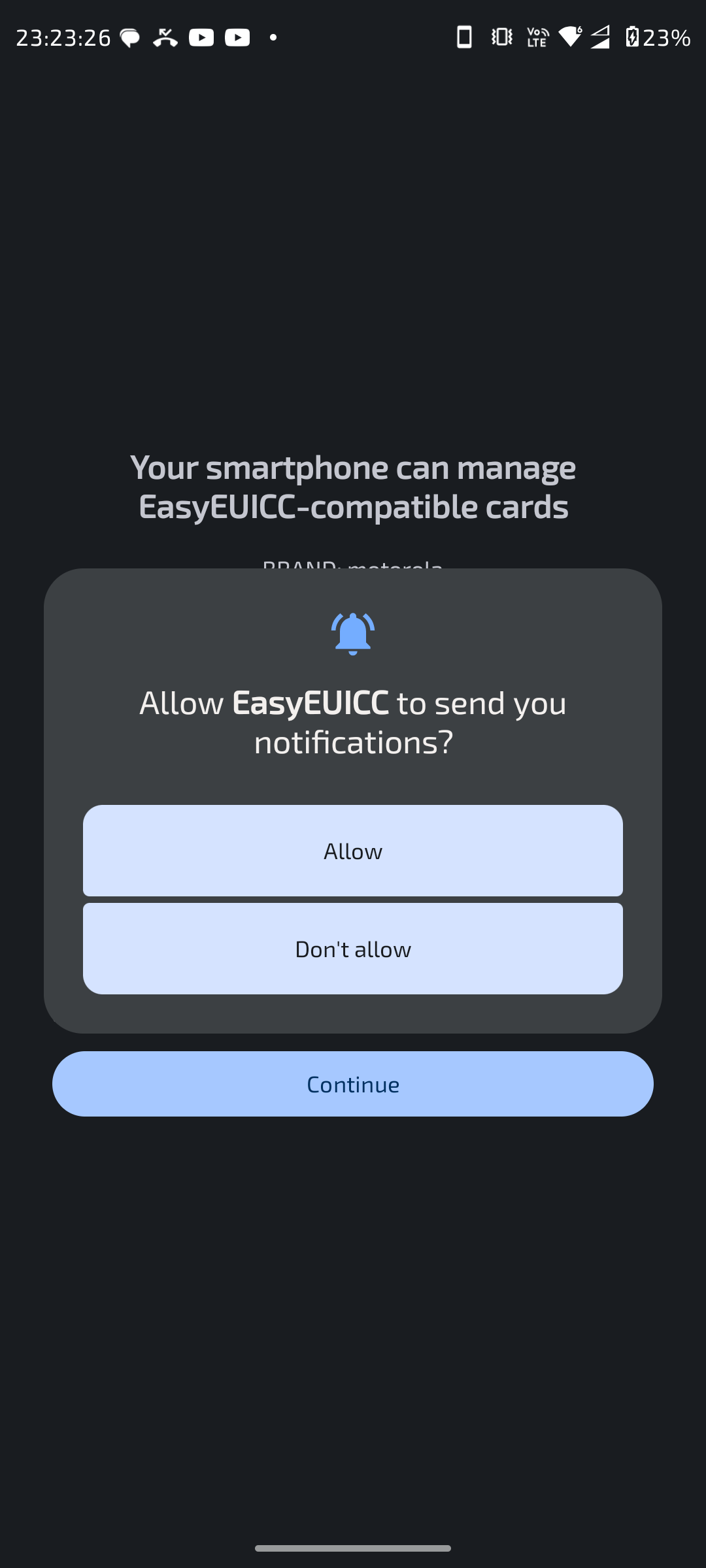
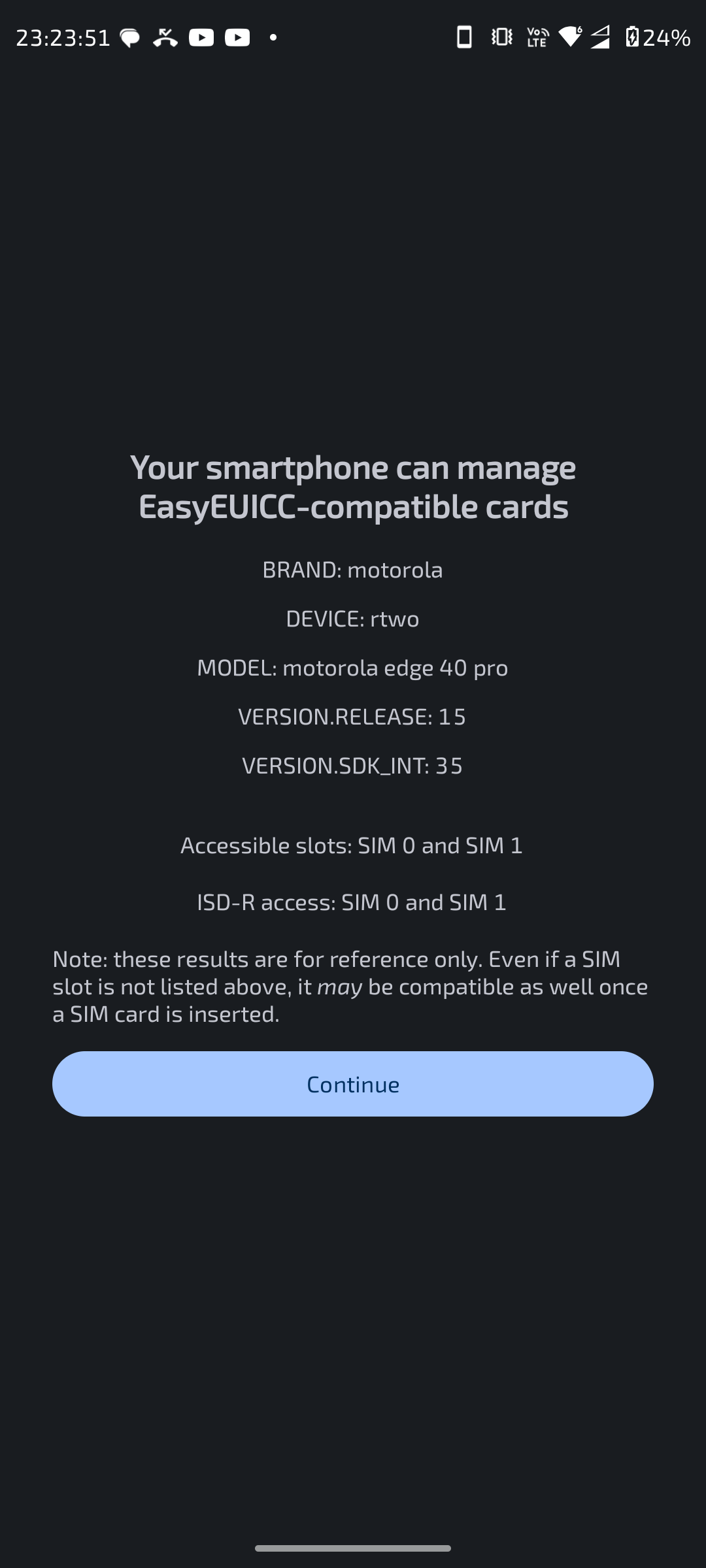
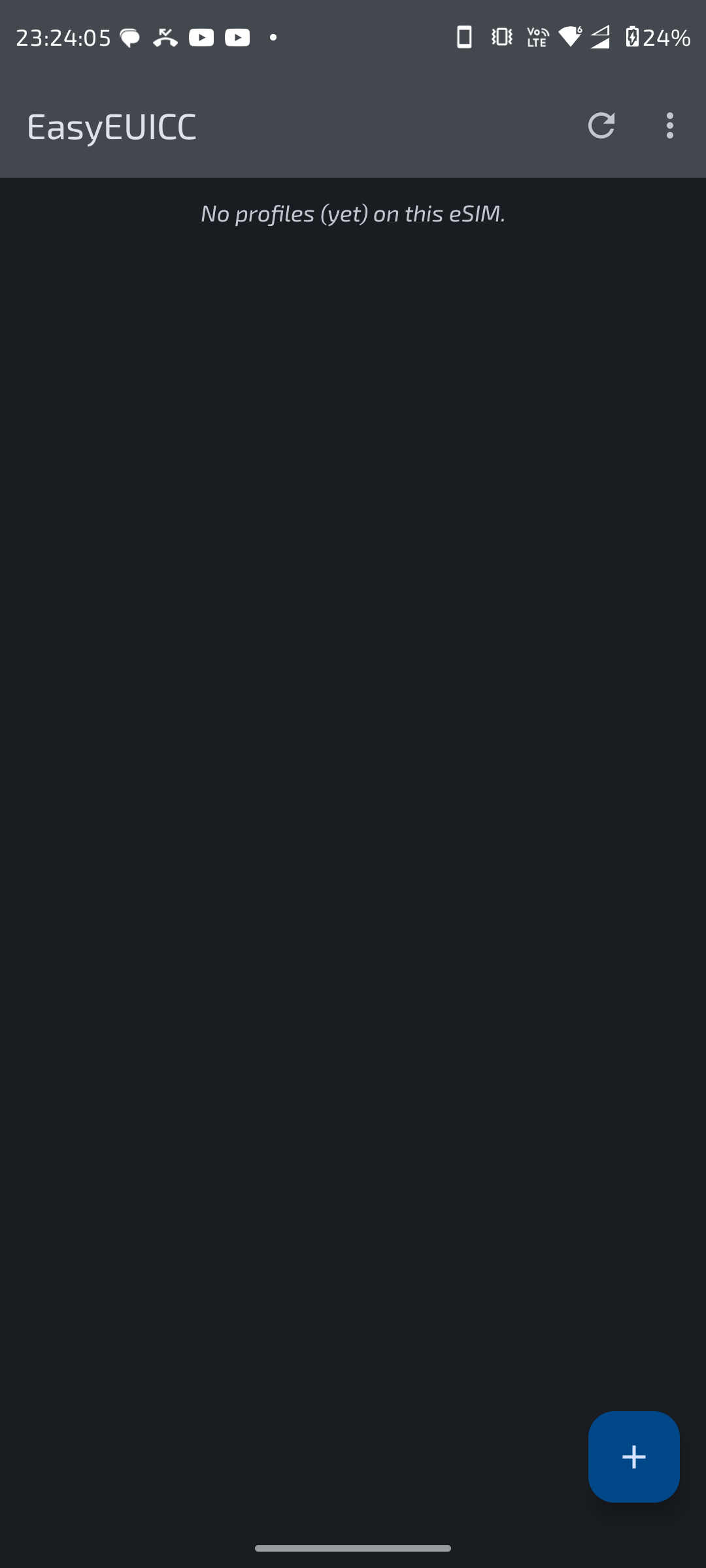
Click the Continue button to proceed, and you will be taken to the main interface:
Note
If you just want to add/manage your eSIM profiles, just go here
Settings page
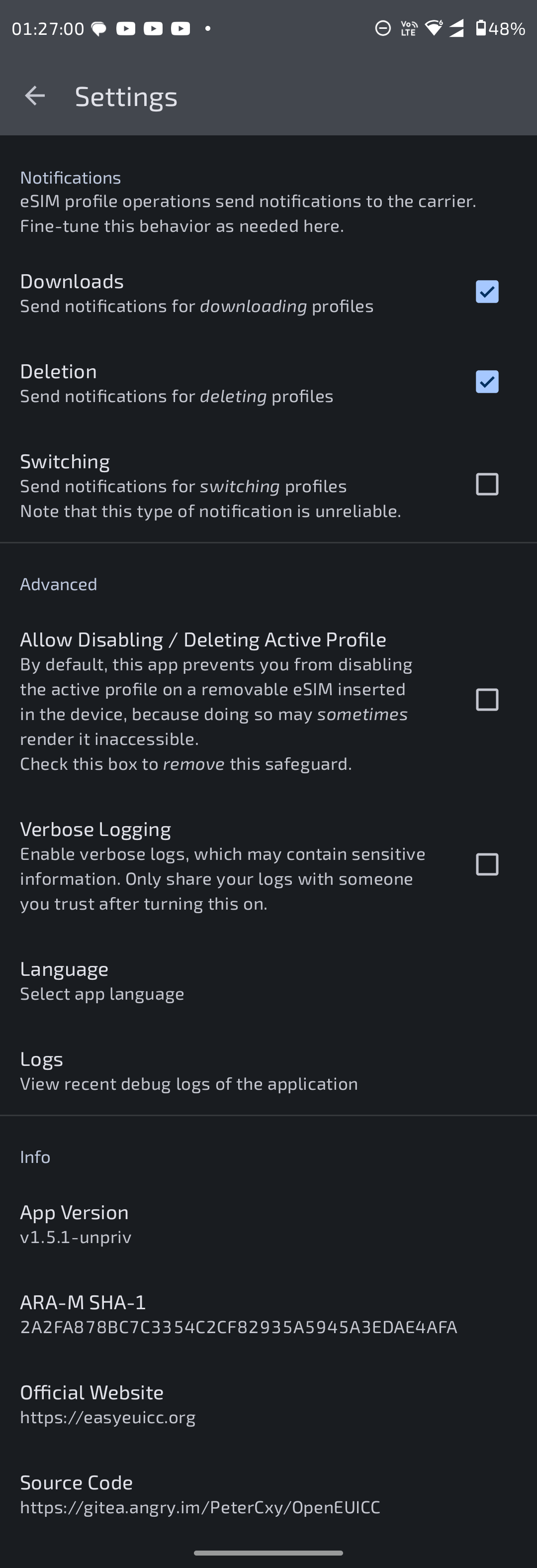
Click the ⋮ button in the upper right corner to check the settings:
Add eSIM profiles
Click the + button in the lower right corner, and select the eSIM device you want to download the profile to:
Note
You should check your eSIM viaeID, notICCID.eIDis your eSIM device(the card inserted into your phone) identification number andICCIDis your eSIM profile identification number.
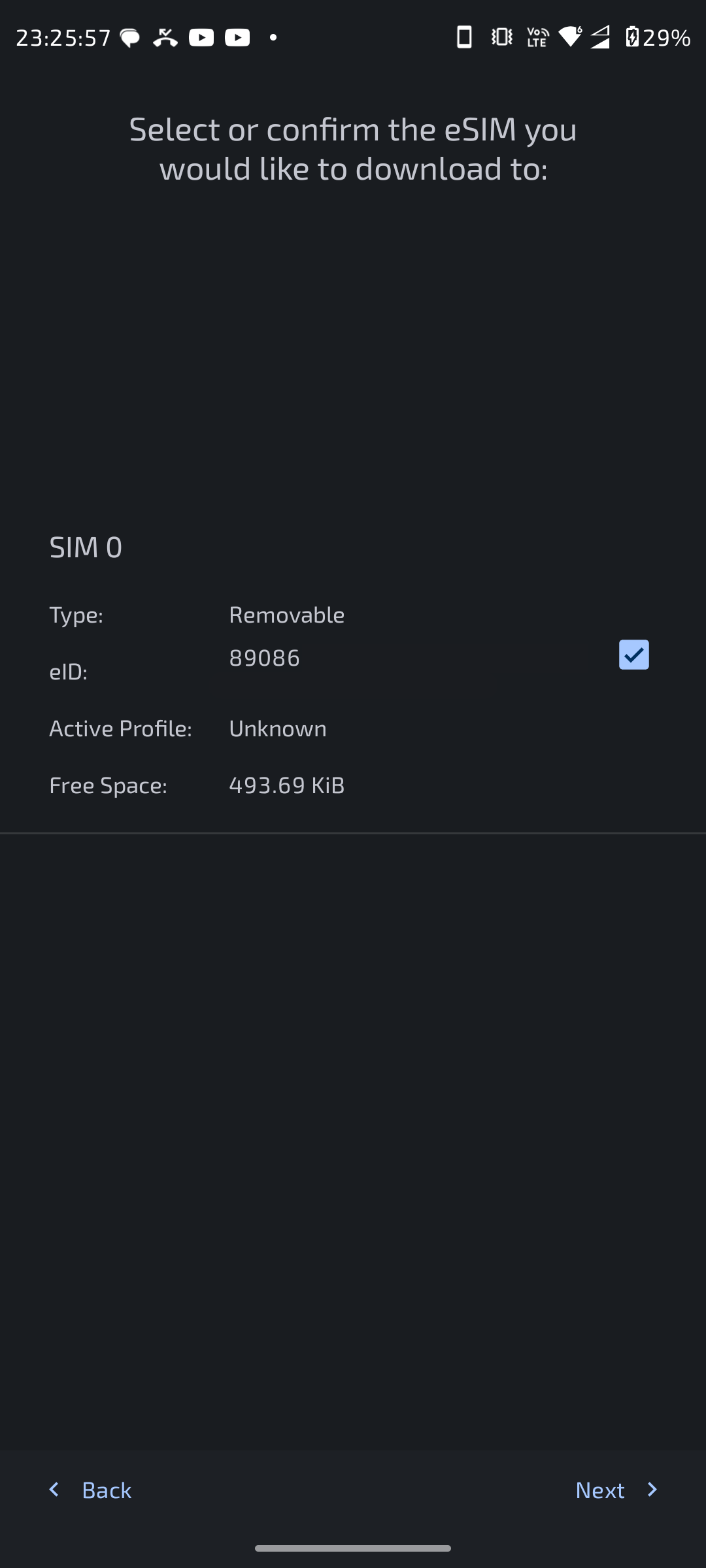
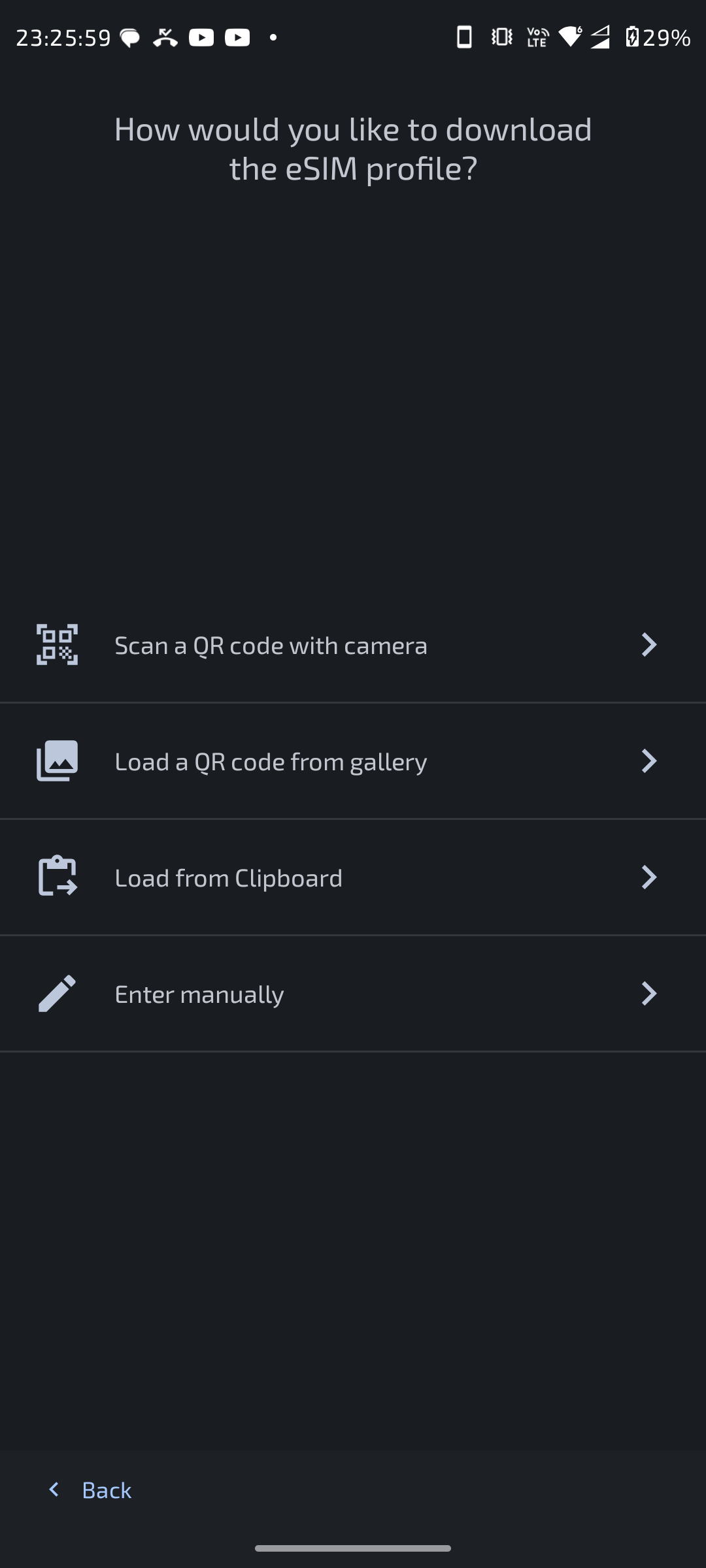
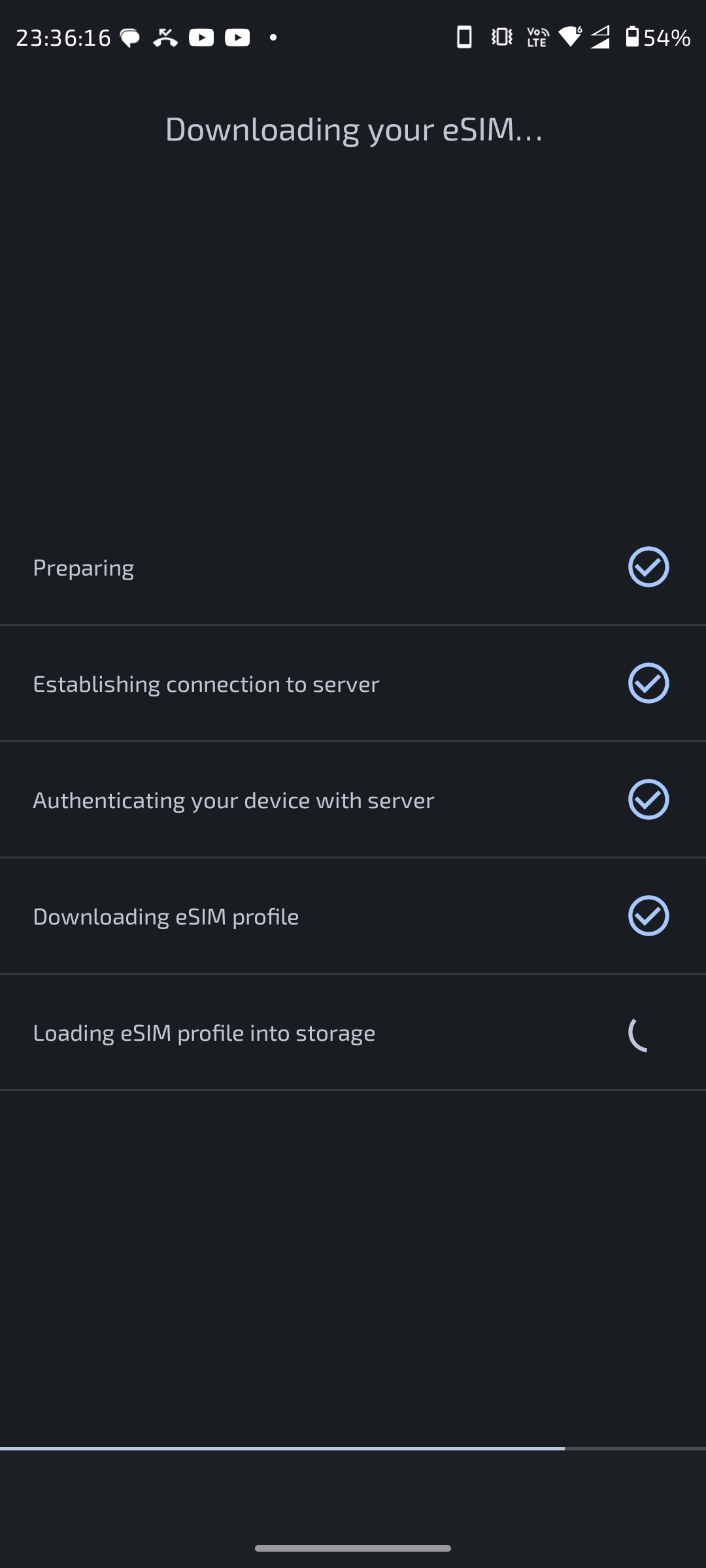
Choose the method you want to use (usually scanning a QR code with the camera or loading it from the gallery). The profile download will start after checking with the target server:
Warning
Make sure you have a stable and reachable connection when you are downloading profiles. Otherwise you may lose your profile permanently since the profile issuing server has marked your profile as downloaded.
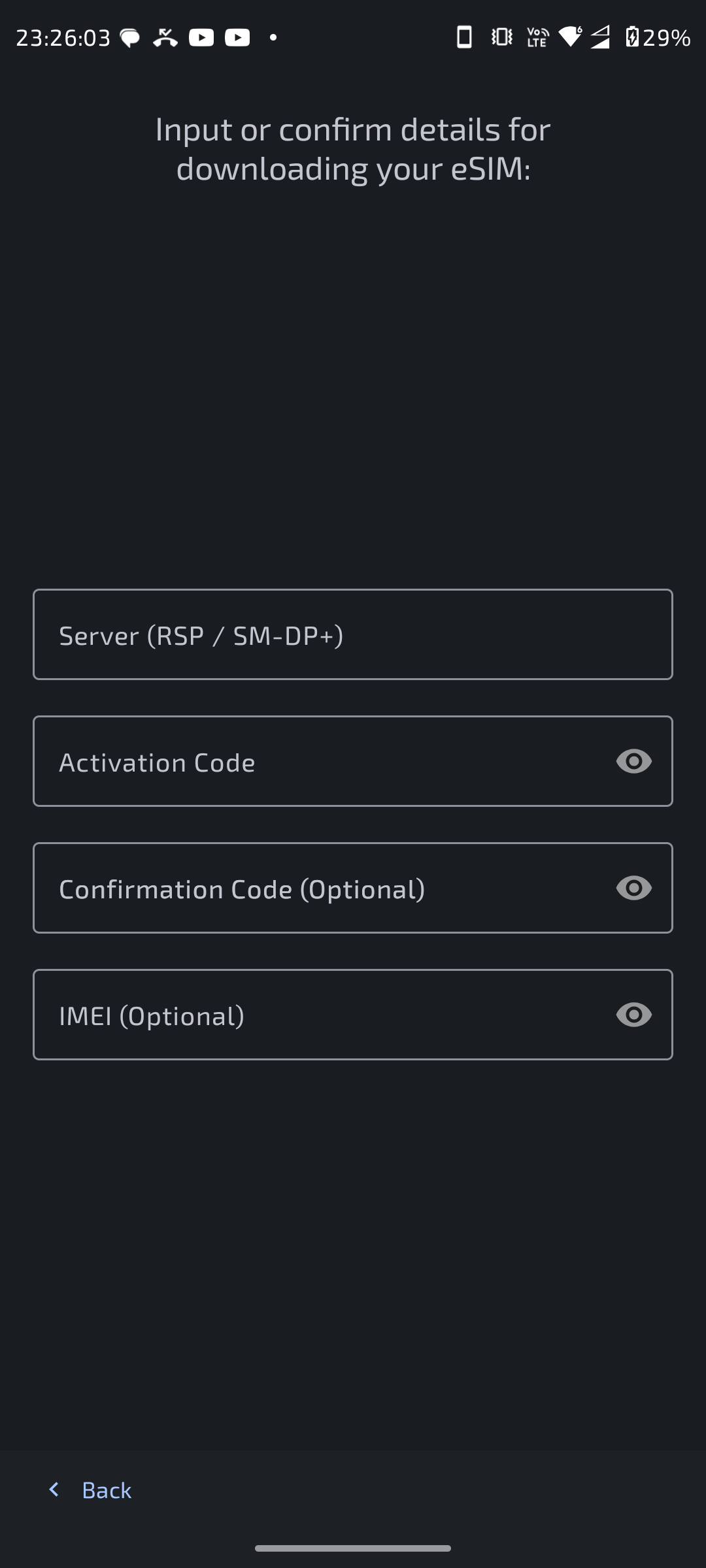
If you need to download profile with raw data provided, or QR code is not working
Then select the last option Enter manually. Type in the strings your provider gave you:
After Profile downloaded
When the profile is downloaded, you can view, toggle, and rename the profile on the main page:
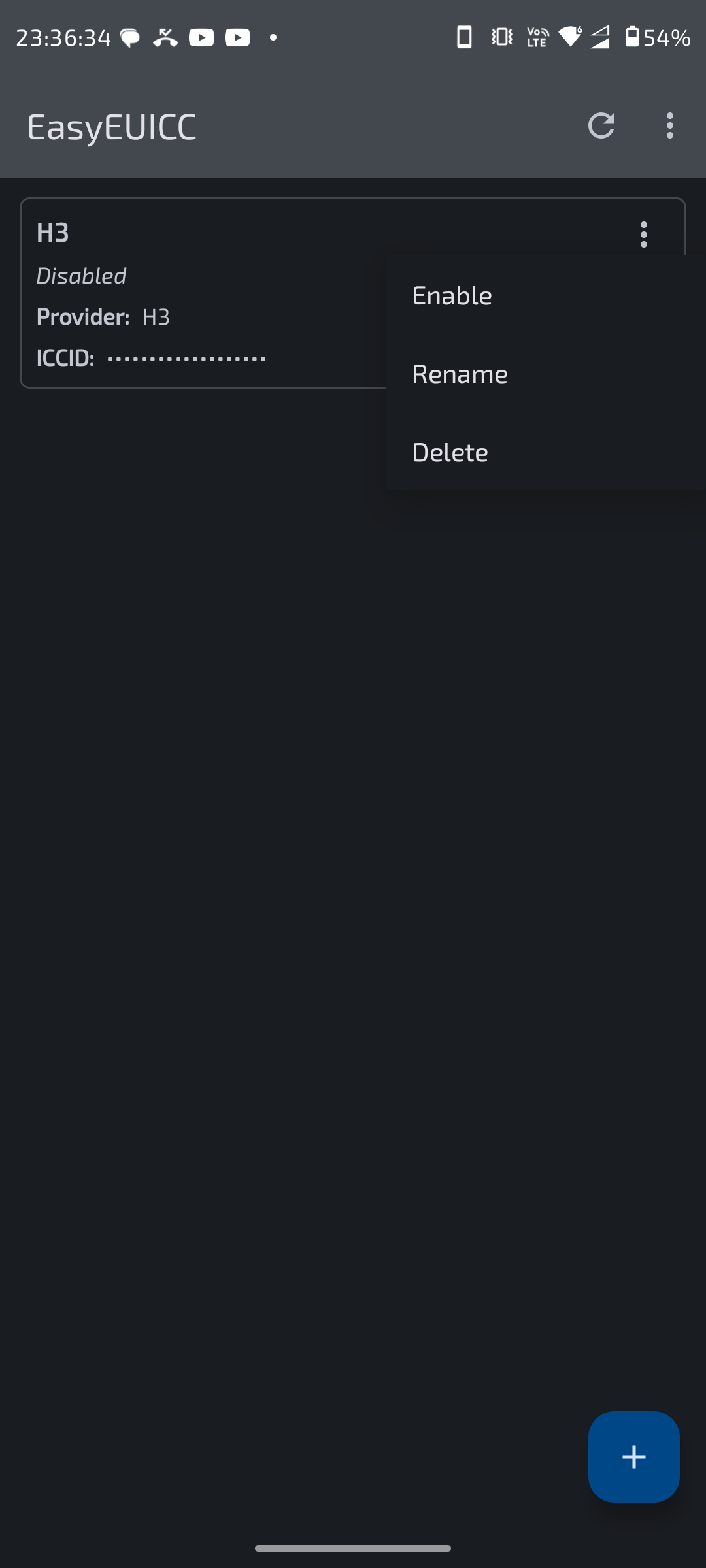
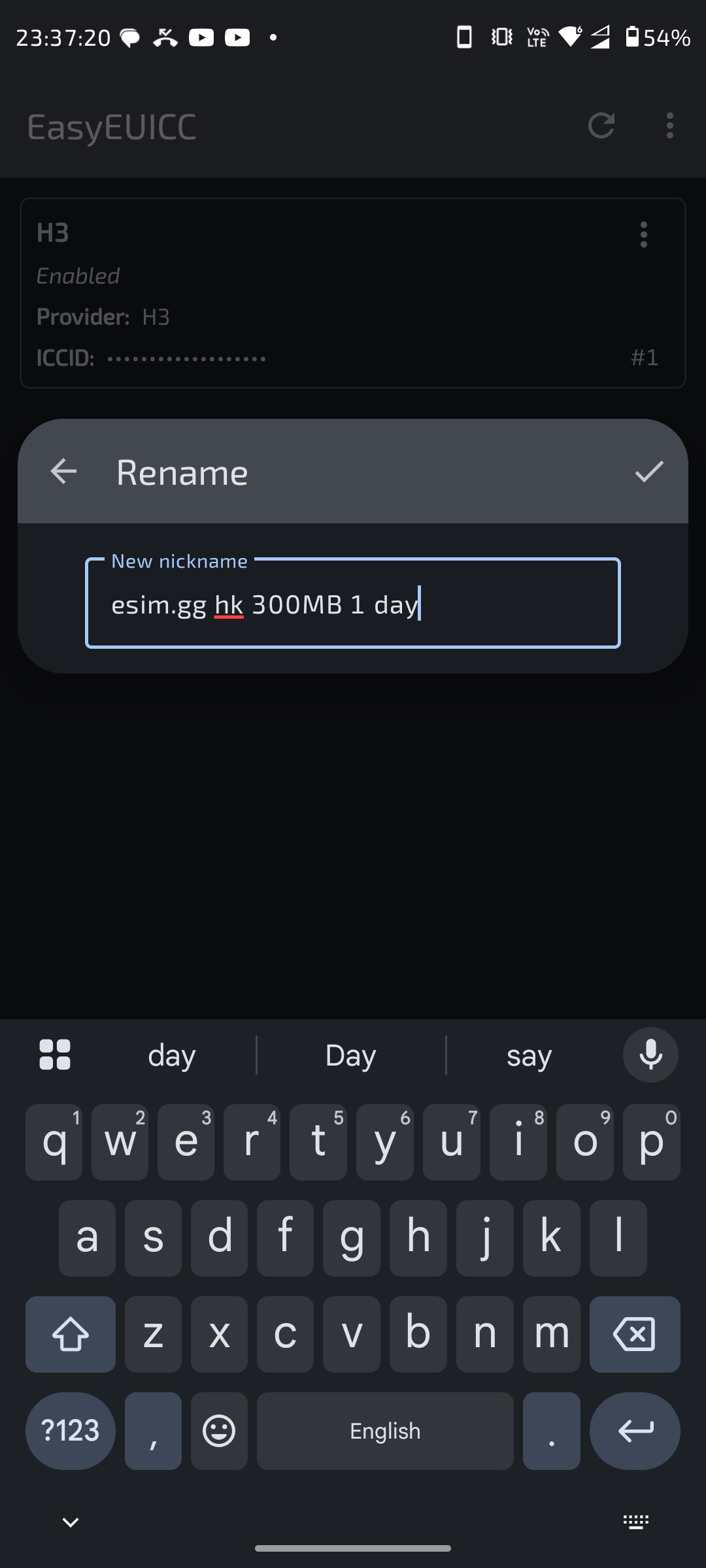
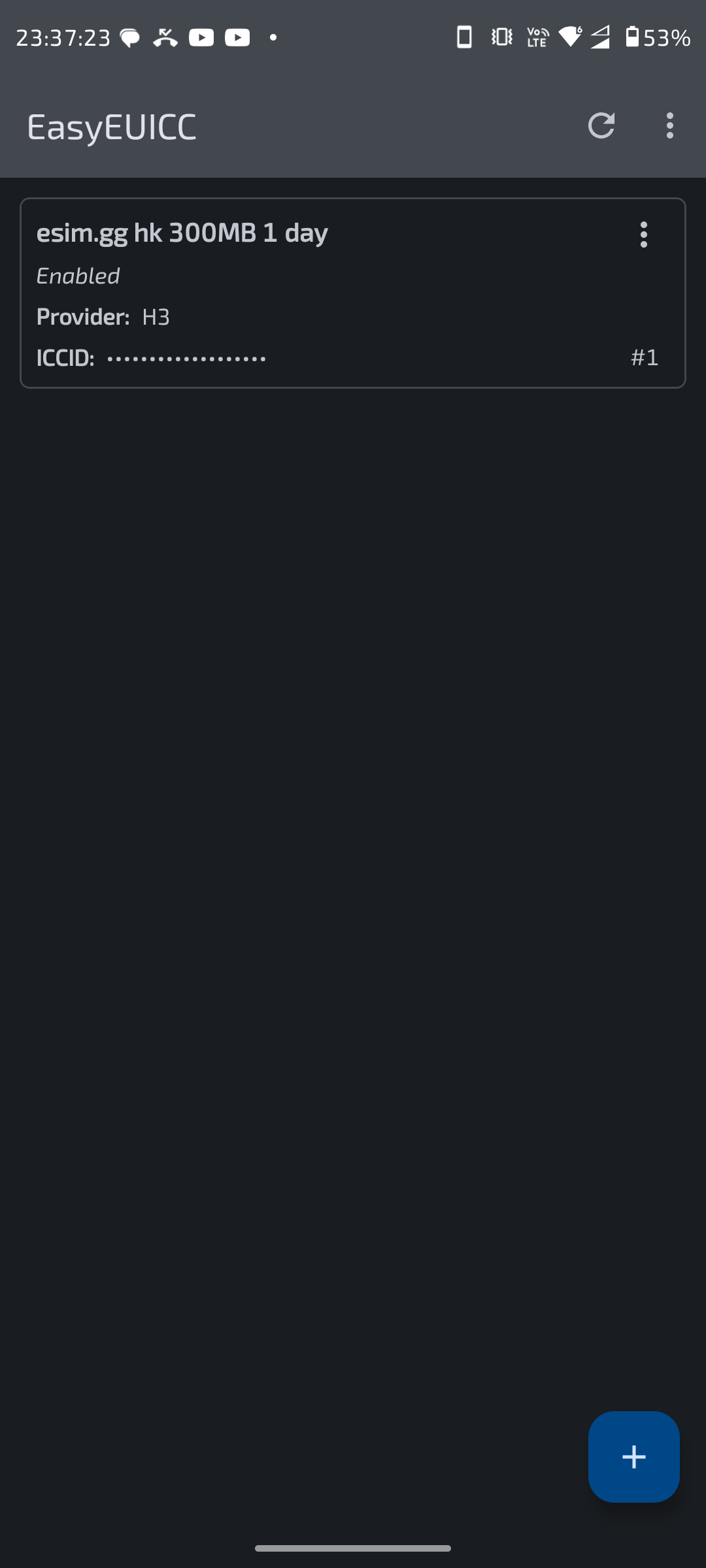
Note
I have been usingesim.ggevery day for several years, and it has been exceptionally reliable and stable while I travel globally. Currently there is no discount for data-only eSIMs, but you can get 0.3 EUR off if you purchase a new Estonian number usingous50at checkout.
Troubleshooting
OMAPI detection failed
In this case, your phone or system does not support EasyEUICC via OMAPI. Consider using OpenEUICC after gaining root access, or switch to a more modern device.
Profile download failed
Check the error code, try scanning the QR code again or downloading the profile manually.
Warning
Make sure you have a stable and reachable connection when you are downloading profiles. Otherwise you may lose your profile permanently since the profile issuing server has marked your profile as downloaded.
If you have run out of download attempts, contact your eSIM profile provider for further assistance.
no eSIM card/device found
Your eSIM card/device might not be compatible with EasyEUICC. Check here for more information.
FAQ
Will I get banned by my provider for using this app?
Generally no. But providers have their own blacklist. Some eSIM card manufacturer/models might be blacklisted. Purchase a good eSIM card listed above and follow the instructions from your provider.
Can I use these cards on other phones?
Yes, you can use these cards like normal physical SIM cards after you have properly set up the eSIM card/device and have toggled and configured your desired profile.
You can use the EasyEUICC app on any OMAPI-compatible Android phone to manage profiles on compatible cards.
For eSTK cards, you can even manage your profiles on iPhones using the STK application.